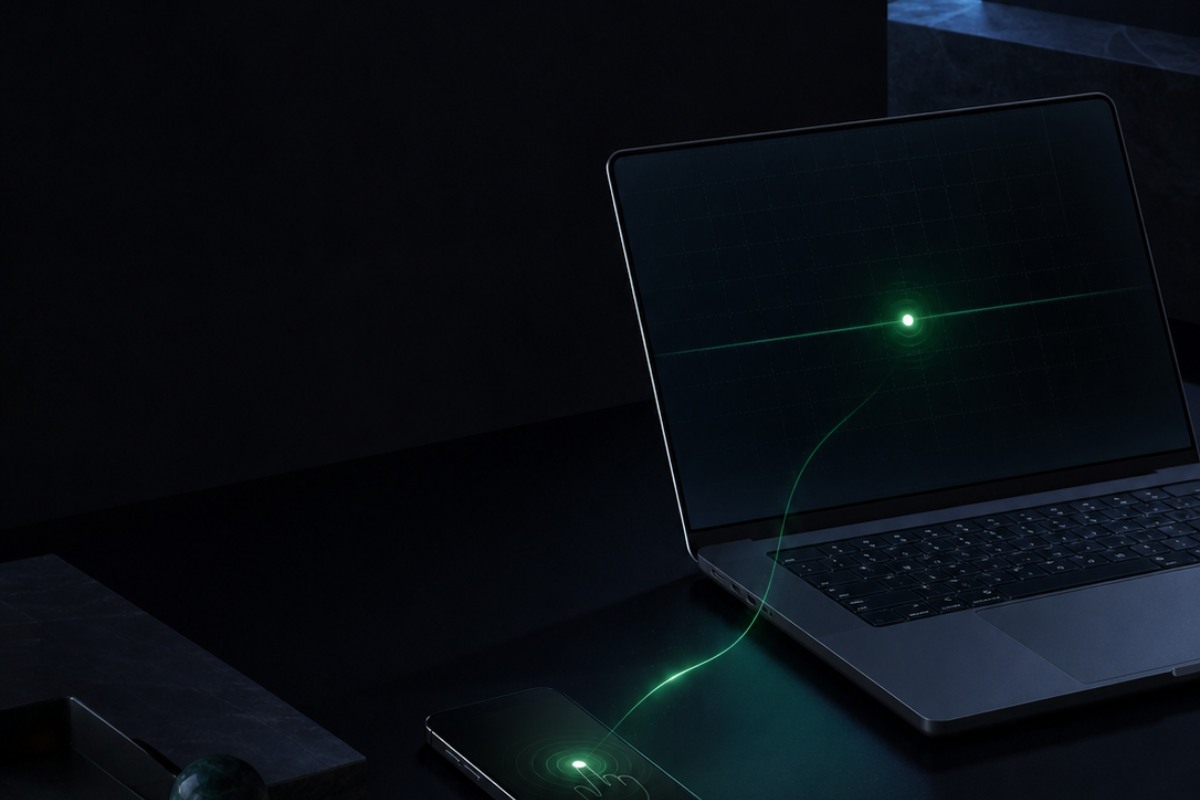
 01 / AWAY FROM DESK
Long task
不用守着电脑,也别错过那次确认。Leave the desk without missing the prompt.
AI CLI 继续在电脑运行;需要你时,手机看输出、按确认、让任务继续。Your AI CLI keeps running on the computer while your phone catches the next prompt.
离开工位,也别让任务卡在一句确认。手机接入电脑里的真实 AI 终端:看输出、回确认、继续输入。 Leave the desk without leaving the task stuck on one prompt. Access the real AI terminal on your computer to check output, confirm, and keep typing.
你先安装 AI CLI,再安装 Termly CLI 1.9.5;运行期间电脑需保持联网,两个进程不能退出。Install your AI CLI first, then Termly CLI 1.9.5. Keep the computer online and both processes running.
服务本身必需,但无需一定自建。relay 转发密文、心跳和可达状态,不持有终端正文密钥。The service is required, self-hosting is not. It forwards ciphertext, heartbeats, and reachability without holding the terminal content key.
安装在 HarmonyOS 5.0.0(API 12)及以上手机或平板;扫码进入会话、查看终端并发送输入。Install on a HarmonyOS 5.0.0 (API 12)+ phone or tablet to pair, view the terminal, and send input.
01 / Built for the moments away
不是把桌面硬塞进手机,而是把最常发生的三件事做好:看进度、回确认、处理断线后的现场。Not a shrunken desktop. It focuses on the three things that matter away from your computer: progress, prompts, and recovery.
01 / AWAY FROM DESK
AI CLI 继续在电脑运行;需要你时,手机看输出、按确认、让任务继续。Your AI CLI keeps running on the computer while your phone catches the next prompt.
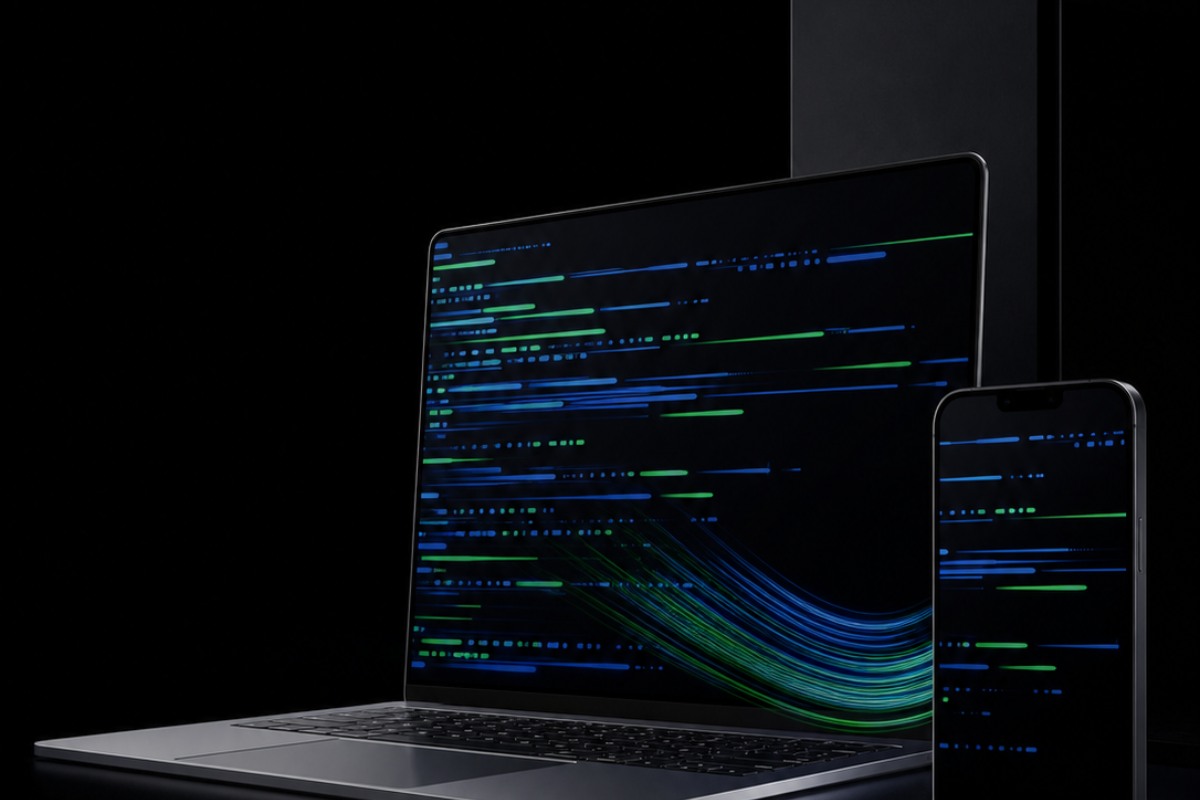 02 / MOBILE INPUT
长文本、提示词历史、Esc、Tab、方向键和 TUI 翻页都在手边。Long-form text, prompt history, Esc, Tab, arrows, and TUI paging stay within reach.
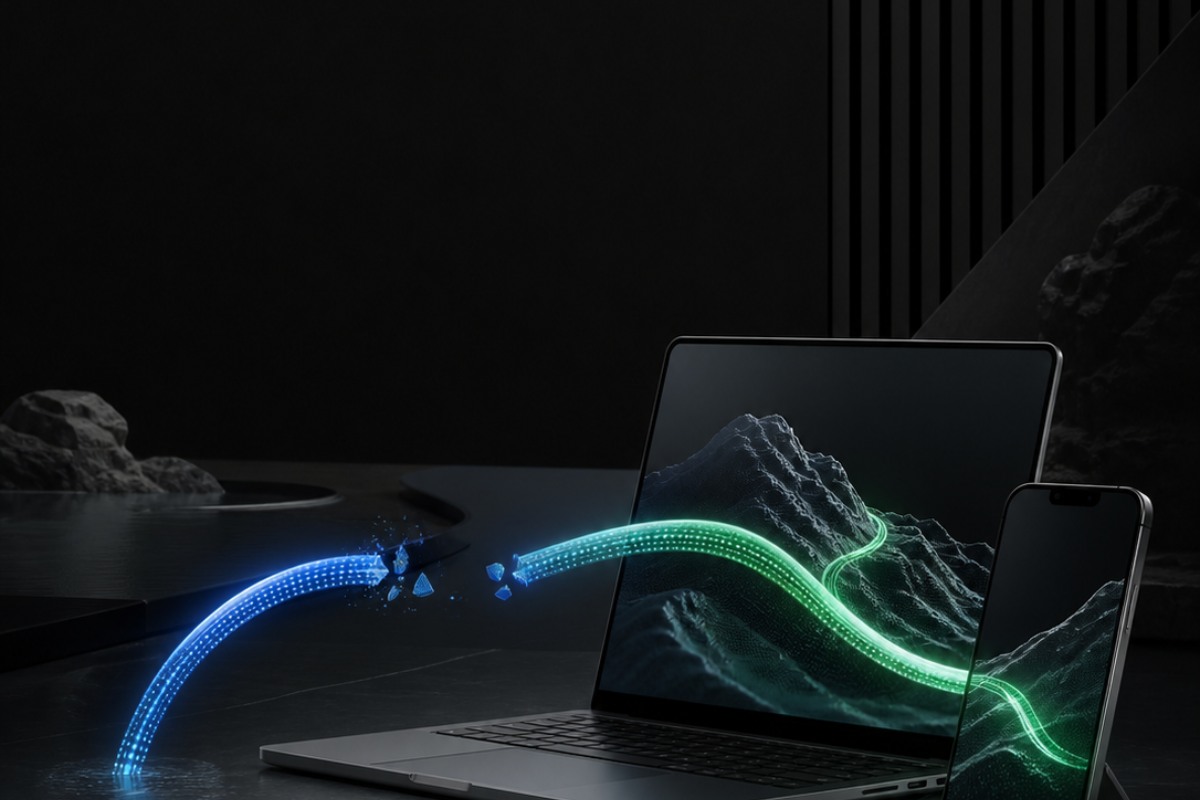 03 / RECONNECT
会话重入、本地历史和真实可达状态,帮你回到当前现场。Session re-entry, local history, and honest reachability bring you back to the current state.
02 / Real product, real terminal
管理可连接的会话、翻阅完整历史、响应交互确认,再用适配移动端的快捷键与长文本编辑继续推进工作。Manage reachable sessions, review long history, answer prompts, and keep working with mobile-first controls and long-form input.
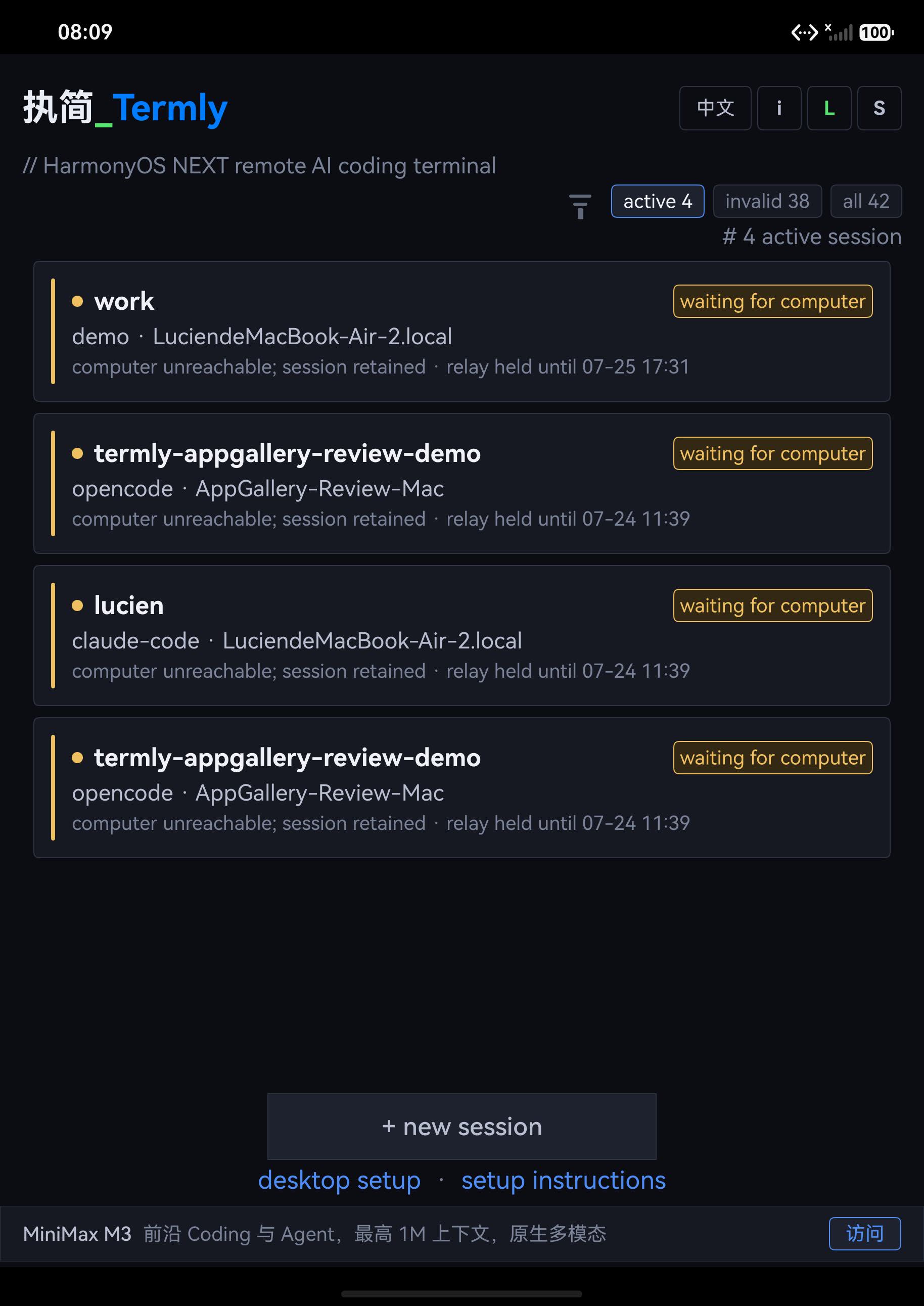
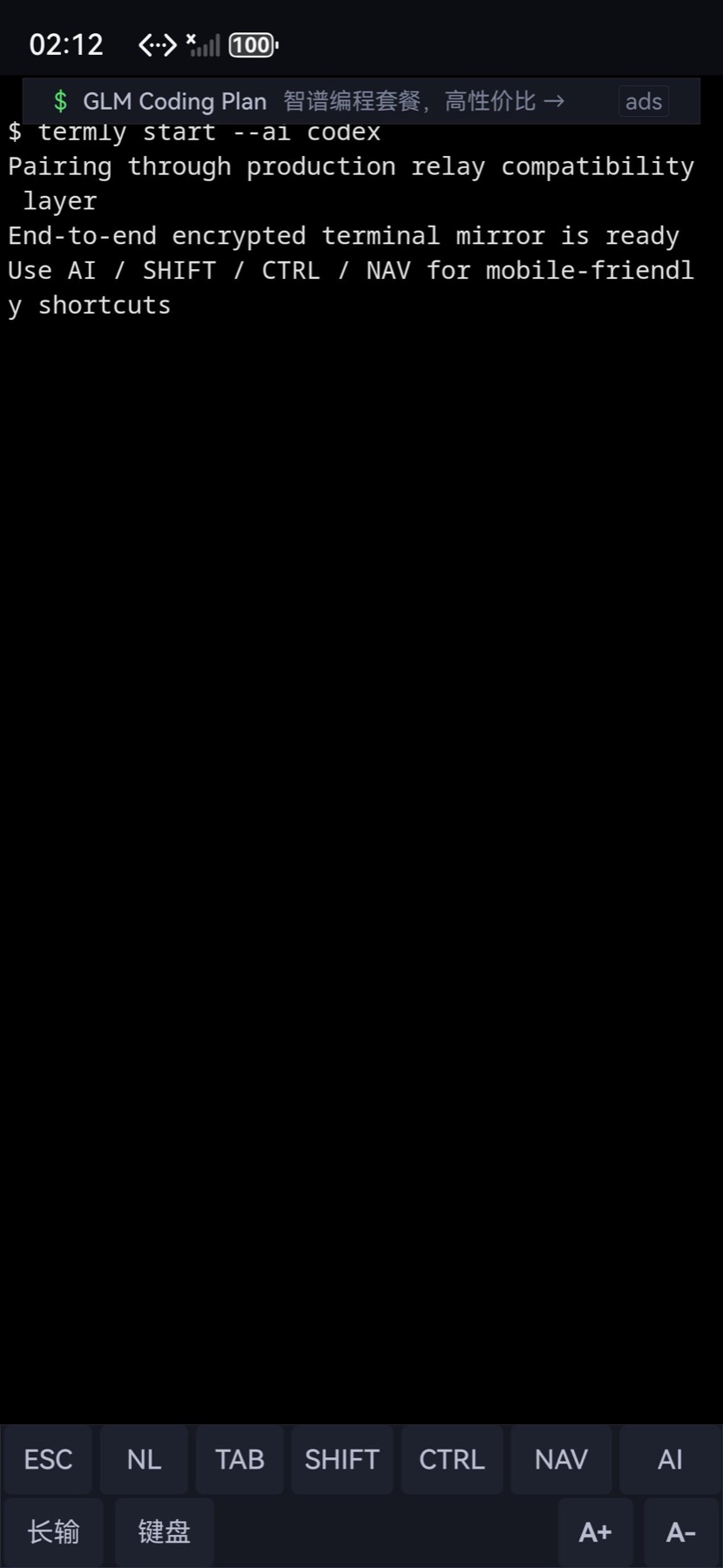
区分活跃、失效与本地连接;切回前台时,再从 relay 读取 CLI 的真实可达状态。Separate active, expired, and local link state, then refresh actual CLI reachability from the relay.
本地 scrollback 与远端 Page Up / Page Down 各司其职,兼容 Claude Code 与 OpenCode 的不同界面模型。Local scrollback and remote Page Up / Page Down stay distinct across Claude Code and OpenCode UI models.
Enter、New Line、Esc、Tab、Ctrl、Shift 与方向键随时可用,软键盘只在真正需要输入时唤起。Enter, New Line, Esc, Tab, Ctrl, Shift, and navigation keys stay close while the IME appears only when needed.
App 与 relay 各自独立重试,CLI 在自身的恢复窗口内继续运行;relay 不会默认 CLI 仍可连接,只会如实反馈当前状态。App and relay retry independently while the CLI owns its recovery window; the relay reports reachability without inventing it.
03 / Security model
终端数据在电脑端加密、手机端解密;中继只看到密文与连接元数据,无法读取你的代码、命令或与 AI 的对话。Terminal data is encrypted on your computer and decrypted on your phone. The relay sees ciphertext and connection metadata, not your code, commands, or AI conversation.
DH-2048AES-256-GCMWebSocketNO PLAINTEXT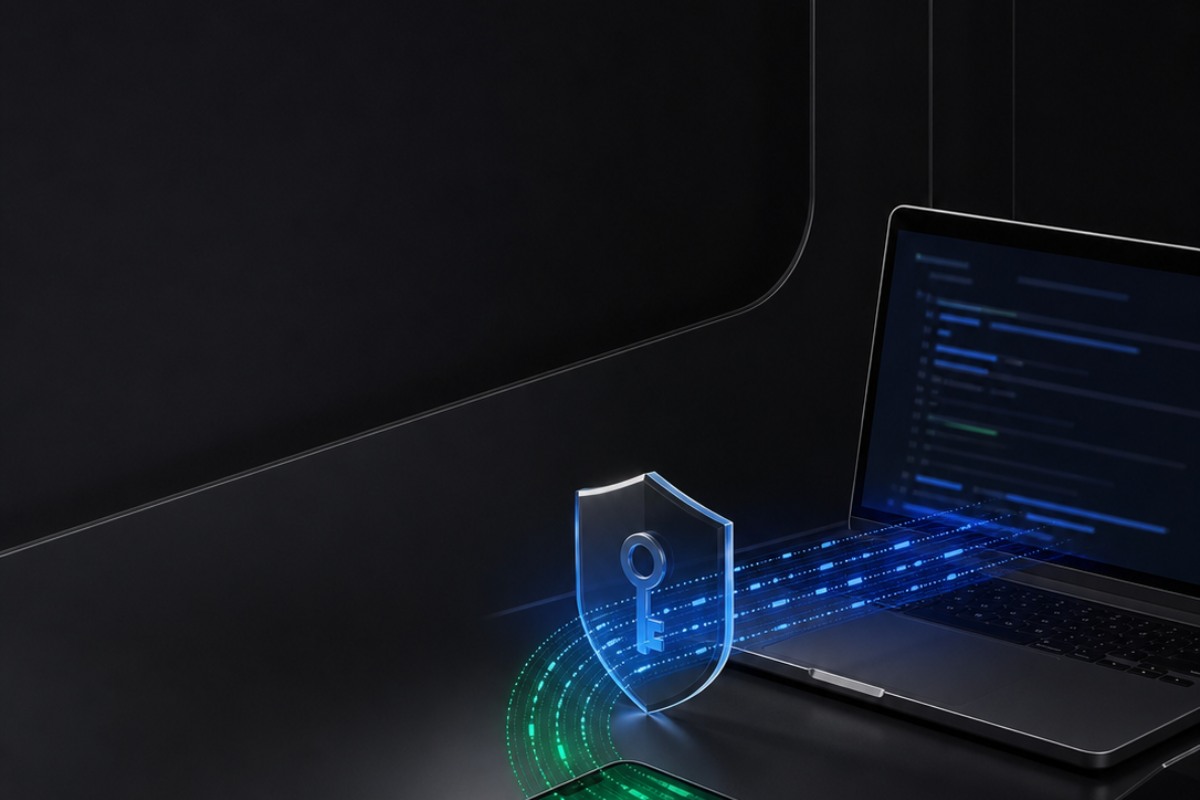
RELAY VIEW / NO PLAINTEXTClaude、Codex、Gemini、OpenCode 这些 AI CLI 本身不做任何改动。Claude, Codex, Gemini, and OpenCode keep their native software and interaction.
补丁只替换 Termly CLI 的中继地址:可以使用 执简_Termly,也可以指向你自己的服务器。The patch only replaces Termly CLI's relay address. Use 执简_Termly or point it to your own server.
配对时确认设备与会话身份,避免误连到其他会话。Confirm device and session identity during pairing to reduce accidental connections.
相机只用于扫码配对;连接方式和输入数据的处理范围,均在隐私政策中说明。Camera access is only for pairing; connection and input boundaries are documented publicly.
SELECTOR VERIFIED下列名称由 Termly 的 registry 直接识别;执简_Termly 已重点回归 Claude Code 与 OpenCode。不同工具和版本的 TUI 细节仍以实际表现为准。These names are recognized directly by Termly's registry. 执简_Termly has focused regression coverage for Claude Code and OpenCode; TUI details can vary by tool and version.
UPSTREAM PRESET REQUIREDKimi 是全交互式 TUI;relay 的密文字节转发没有工具白名单,但 Termly CLI 1.9.5 尚未内置 kimi 启动项,termly start --ai kimi 会被 selector 拒绝,所以目前无法完成端到端接入。待上游增加 preset 后,仍需完成 Kimi TUI 的移动端回归,才会标为正式可用。Kimi is a fully interactive TUI. The relay's encrypted byte forwarding has no tool allowlist, but Termly CLI 1.9.5 has no kimi launch target and rejects termly start --ai kimi, so end-to-end access is not available today. After an upstream preset is added, Kimi's TUI still needs mobile regression coverage before it is advertised as supported. 查看 Kimi 官方说明Kimi documentation
04 / Desktop setup
请先自行安装想使用的 AI CLI。下面的脚本只检查 Node.js、安装 Termly CLI 1.9.5、连接公共 relay 并给出启动命令;无需 sudo,可重复执行。Install your chosen AI CLI first. This script only checks Node.js, installs Termly CLI 1.9.5, connects the public relay, and prints the start command. No sudo, safe to rerun.
curl -fsSL https://www.termlyhos.com/install.sh | bash
npm install -g @termly-dev/cli@1.9.5npx -y https://www.termlyhos.com/termly-relay-patch-1.1.0.tgz https://relay2.termlyhos.comtermly start --ai claude-code补丁不会修改 AI CLI,只改 Termly CLI 的 relay 地址。Termly CLI 升级或重装后,再运行一次补丁即可。The patch does not modify your AI CLI. It only replaces Termly CLI's relay address. Run it again after updating or reinstalling Termly.
把补丁命令最后的 URL 换成你的 relay 地址即可。源码包、Docker 部署和安全边界见 自托管指南。Replace the final URL in the patch command with your relay address. See the self-hosting guide for the source package, Docker setup, and security boundary.
电脑端出现配对码后,在 执简_Termly 首页扫描;首次确认指纹后即可进入终端。When the pairing code appears, scan it from 执简_Termly and confirm the fingerprint before entering the terminal.
把 `claude-code` 换成 `codex`、`gemini`、`opencode`,或 Termly registry 中其他内置启动项即可。Replace `claude-code` with `codex`, `gemini`, `opencode`, or another built-in target in Termly's registry.